
TriloBytes: Evolution Simulator
A downloadable simulation for Windows
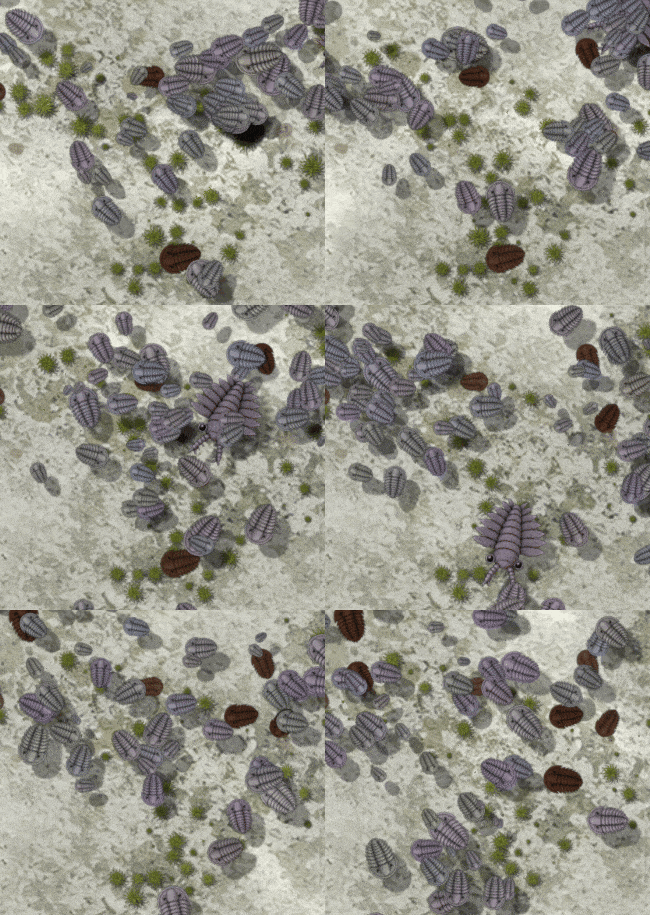
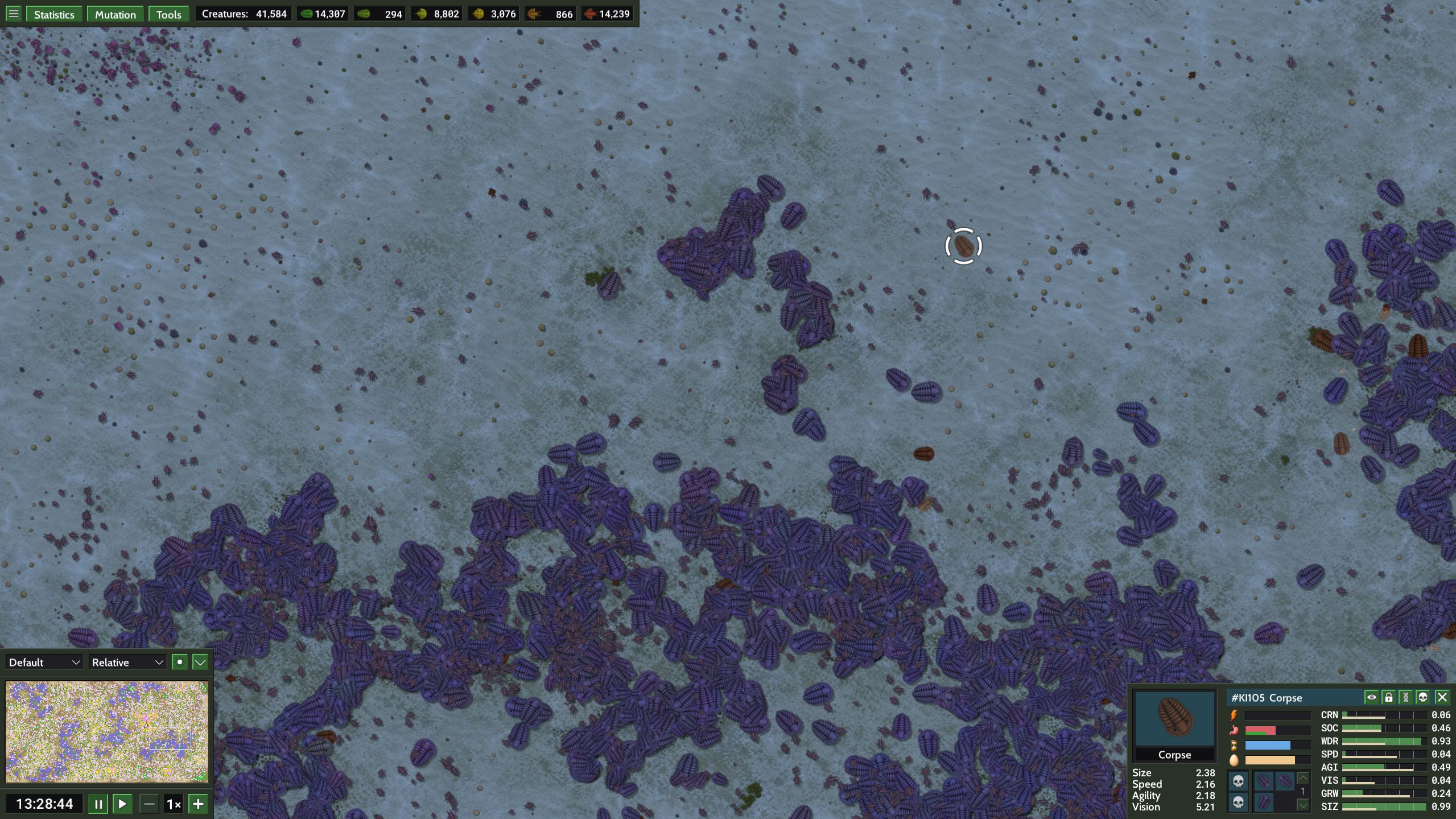
TriloBytes: Evolution Simulator is a large scale evolution sandbox set on an Early Paleozoic-inspired seafloor. Thousands of creatures compete for food, reproduce, mutate, and gradually adapt to their environment.
About
Every newborn inherits a set of genes from its parent or parents, with each gene receiving its own random mutation. Sexual reproduction combines genes from both parents to create new genetic mixtures, while asexual offspring begin as mutated copies of their parent. Mating also depends on genetic compatibility, so creatures whose genes drift too far apart can no longer reproduce together, allowing distinct lineages to emerge naturally over time.
You can leave the ecosystem to develop on its own, watching as populations stabilize and different species evolve to fill niches. Or you can step in at any time, change the environment, spawn new creatures, and see what happens. The tools are completely optional and the simulation can produce interesting results entirely on its own.
Features
- Large ecosystems containing tens of thousands of creatures.
- Herbivore, omnivore, and carnivore evolution.
- Sexual or asexual reproduction.
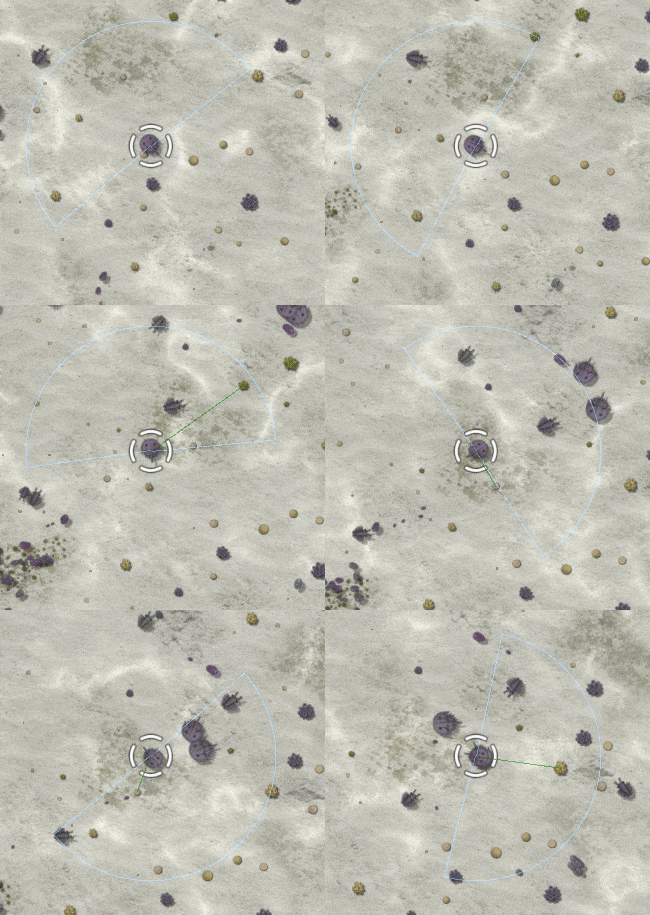
- Eight heritable genes controlling movement, vision, growth, size, social behavior, and diet.
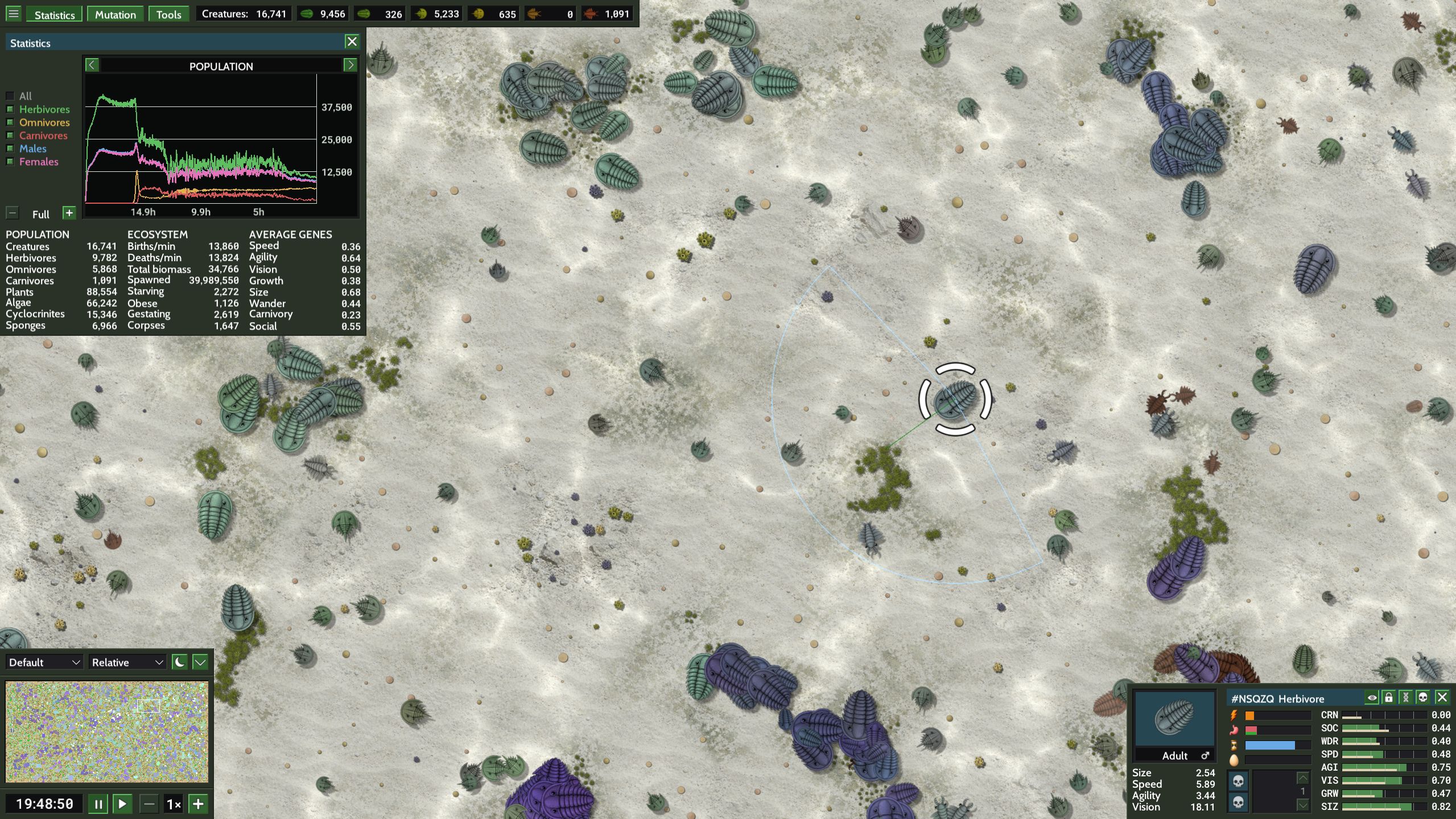
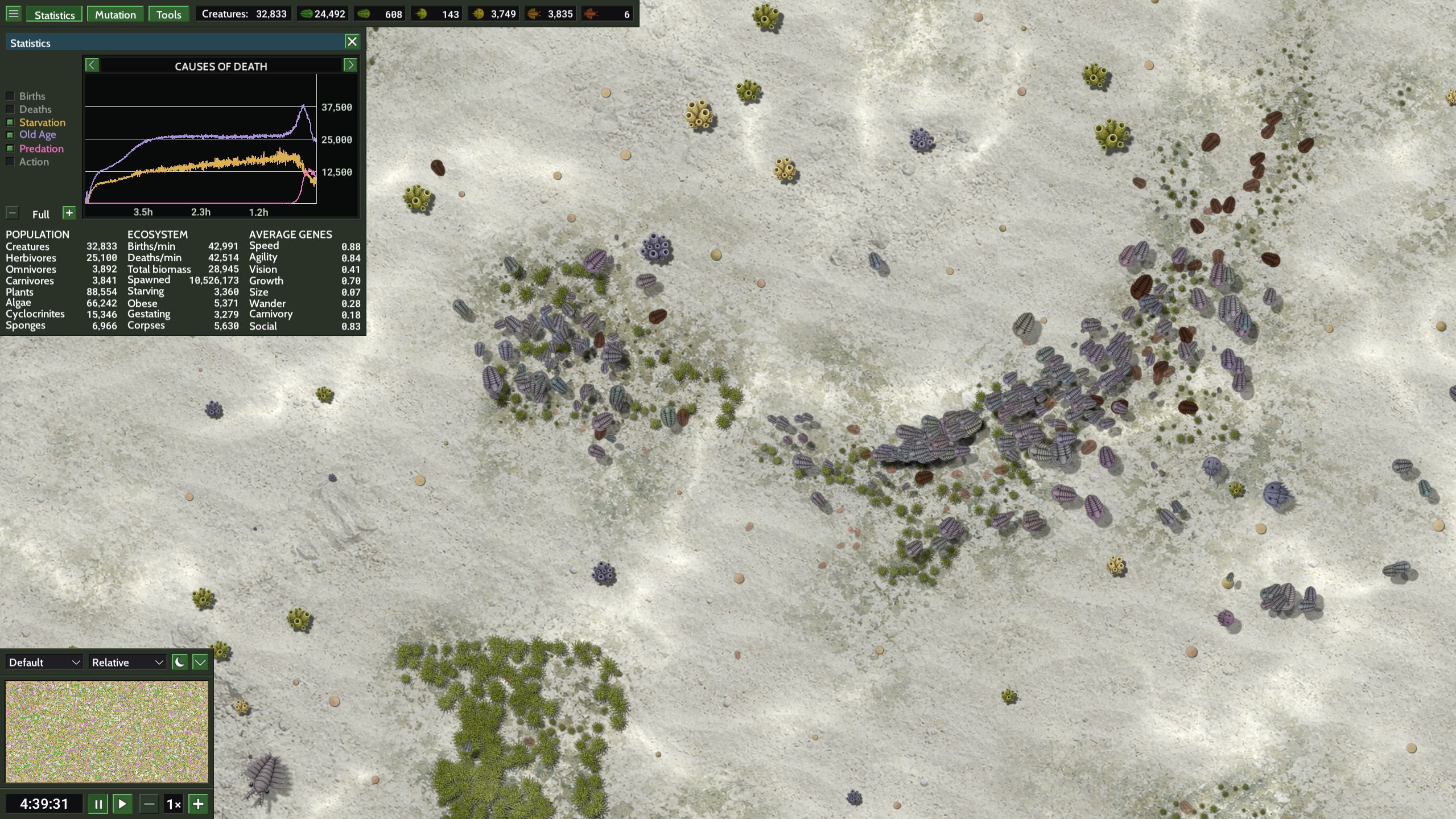
- Long-term population, gene and other statistics.
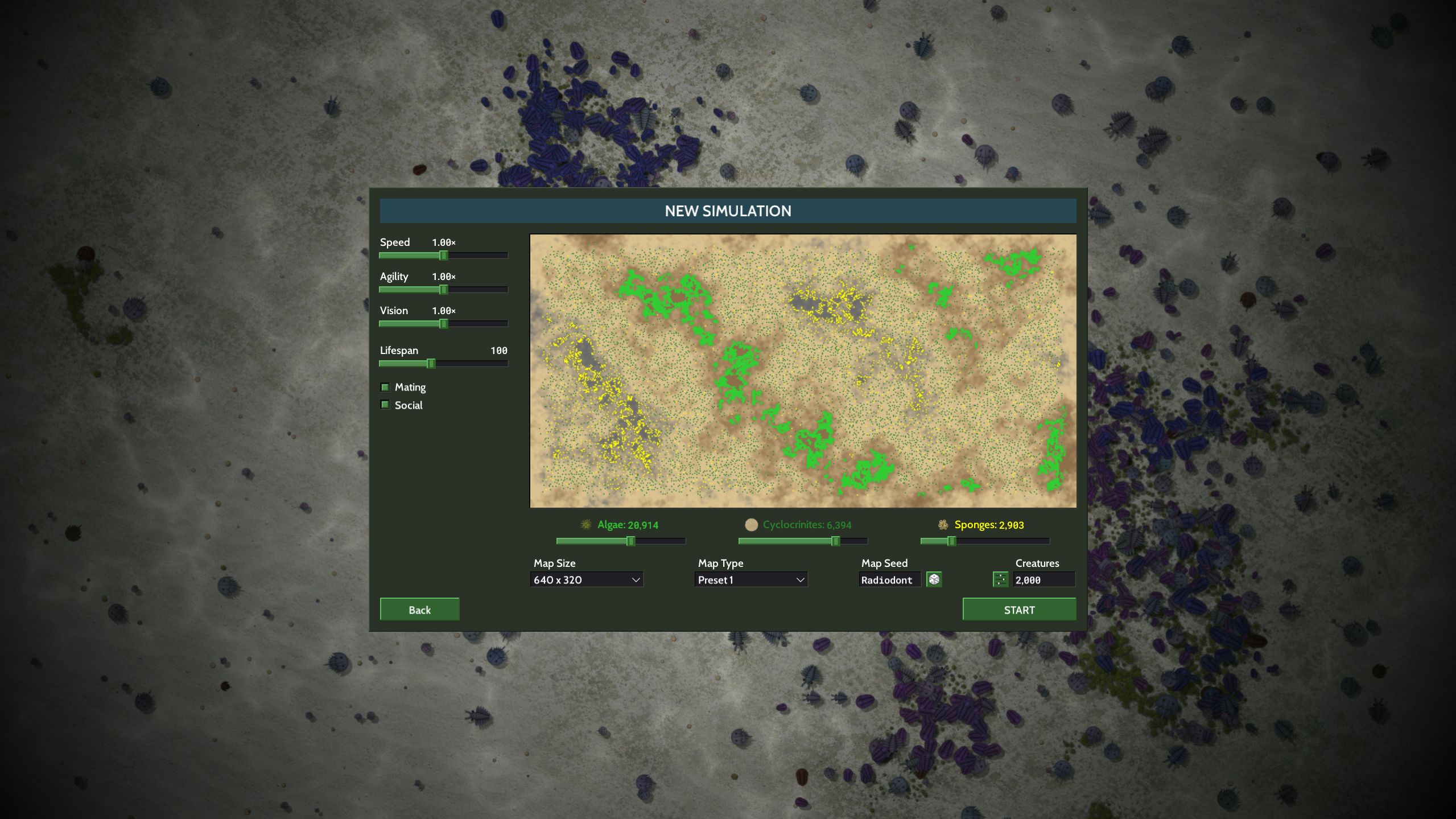
- Procedural maps and shareable seeds.
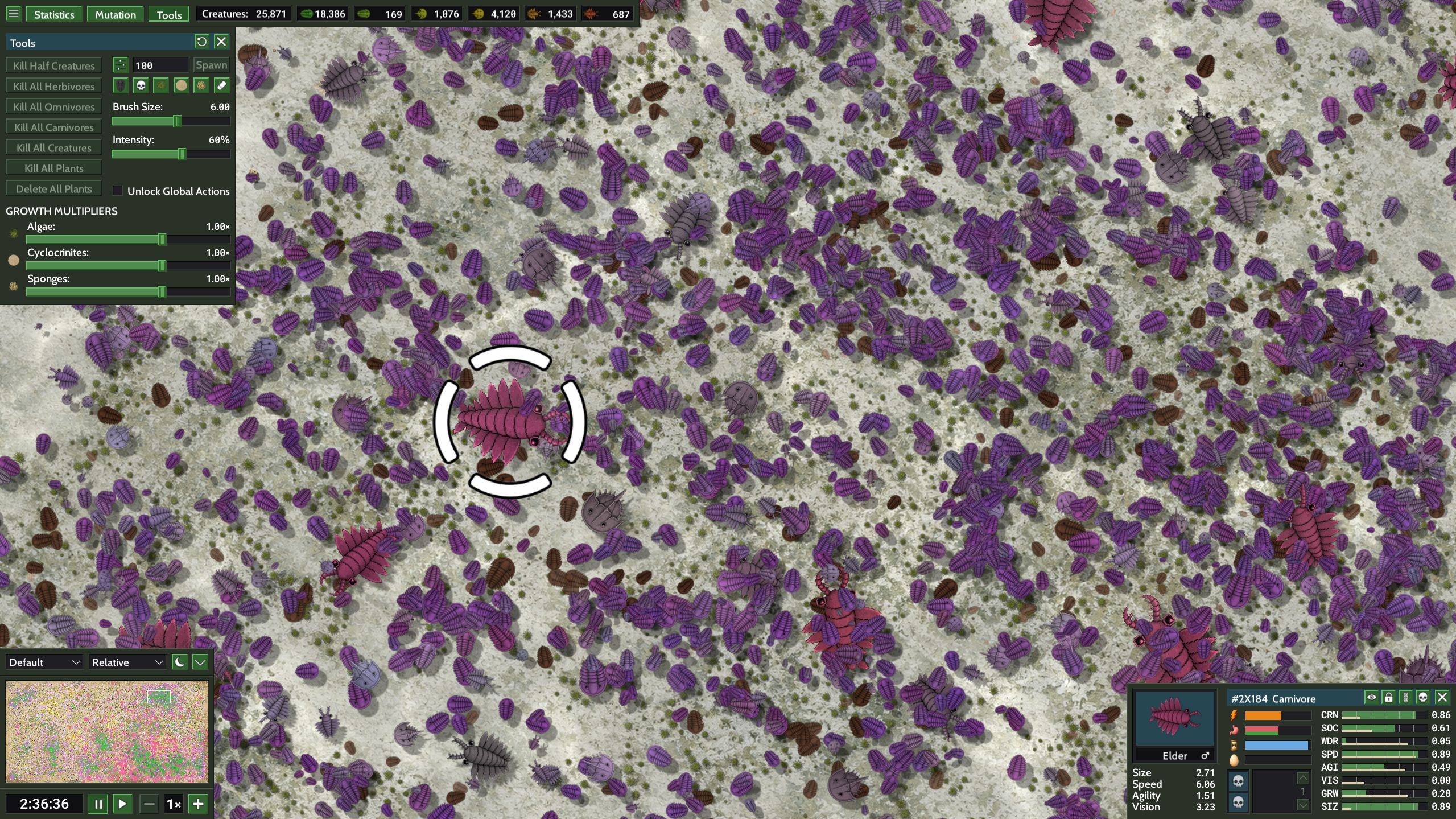
- Plant and creature editing tools.
- Adjustable mutation rates and gene biases.
- Save/autosave support, including creature template saving and editing.
- Day and night modes (visual only).
Requirements
- 64-bit Windows 10 or 11
- OpenGL 3.0 compatible GPU
- 64-bit multi-core processor
- Performance depends on plant and creature count
Note
TriloBytes is an emergent evolution sandbox inspired by Paleozoic themes, designed for experimentation and large scale simulation rather than scientific accuracy.
Download
Install instructions
- Download the ZIP.
- Extract the folder.
- Run
TriloBytes.exe. - On first launch, TriloBytes creates its settings and save-data folders in
Documents\TriloBytes.
Also available on

Development log
- TriloBytes is out!28 minutes ago
Leave a comment
Log in with itch.io to leave a comment.